
Data Roaming for Your Japan eSIM: How to Enable It Safely (2026)
If you’ve just installed a Japan eSIM but still have no data, check your data roaming setting. You may need to turn it on for your Japan eSIM. This can feel confusing because standard travel advice tells you to turn roaming off. However, many travel eSIMs use roaming technology to connect to local networks. This

Slow eSIM Data in Japan? Speed Troubleshooting for Travelers
Japan’s mobile network infrastructure ranks among the world’s finest. That makes slow eSIM data even more frustrating. An app may take fifteen seconds to load. Google Maps may also render slowly despite a strong connection. Video calls can even break up while your phone shows strong signal bars. The slow eSIM data Japan problem can
How to Check if Your Phone Is eSIM-Compatible for a Japan Trip
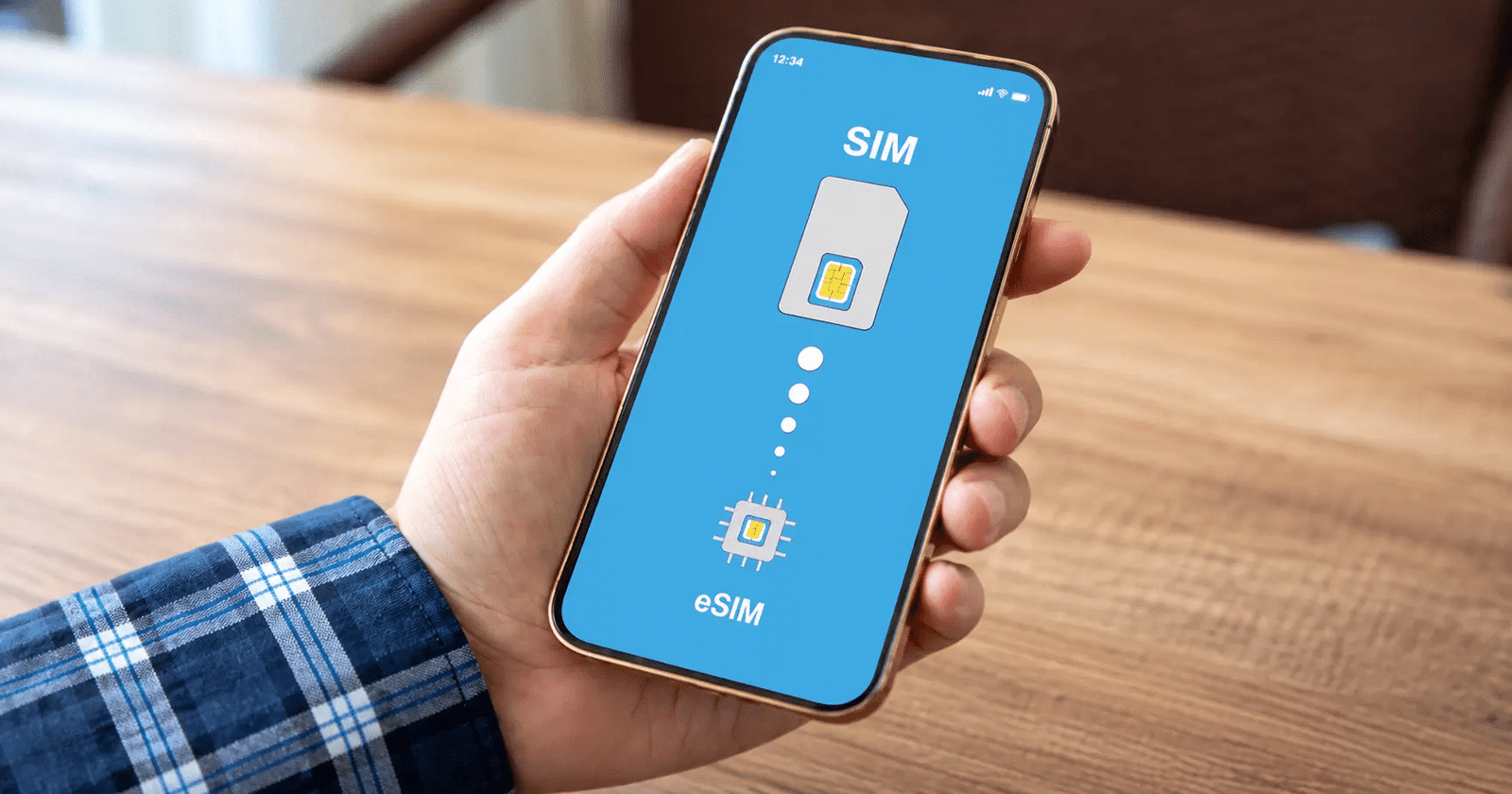
The most frustrating moment in Japan eSIM preparation is discovering—at the airport, or worse, after landing in Japan—that your phone does not support eSIM. Checking compatibility takes five minutes before purchasing a plan and can prevent this problem entirely. Understanding which phones support eSIM, which regional variants differ, and how carrier locking affects eSIM installation
Japan eSIM QR Code Not Scanning? A Full Troubleshooting Guide
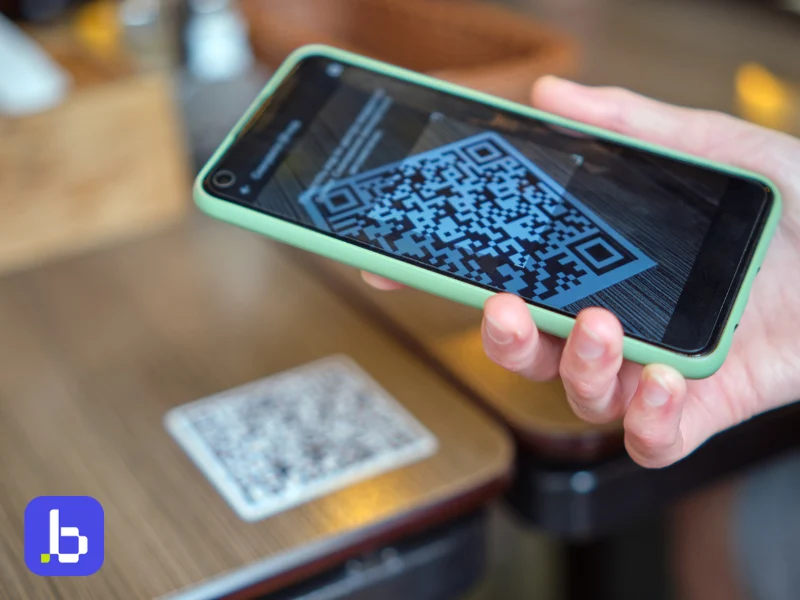
This Japan eSIM troubleshooting guide explains why your QR code may fail. It also shows you how to activate your eSIM manually if scanning does not work. You will also find iPhone and Android troubleshooting steps. Finally, we explain when you should contact Japan Sim Data support. A typical Japan tourist SIM QR guide often
How to Transfer a Japan eSIM to a New Phone
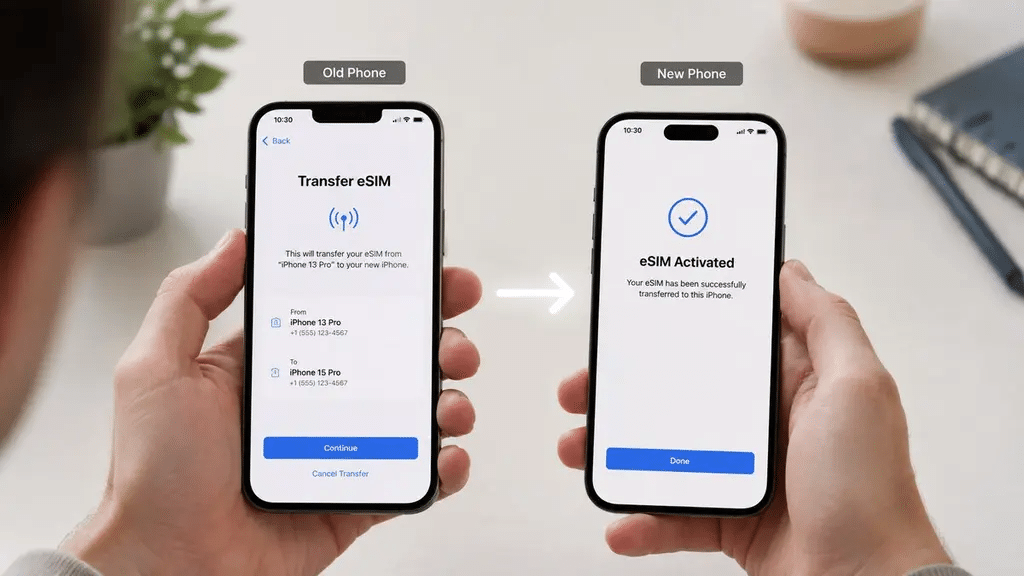
Getting a new phone is exciting. Discovering that your Japan eSIM does not automatically transfer to it is less exciting. The situation becomes even more frustrating if you are in the middle of a trip or still have weeks left on an active plan. The Japan eSIM transfer question is one of the more technical
How to Delete or Remove an eSIM from Your Phone After a Japan Trip
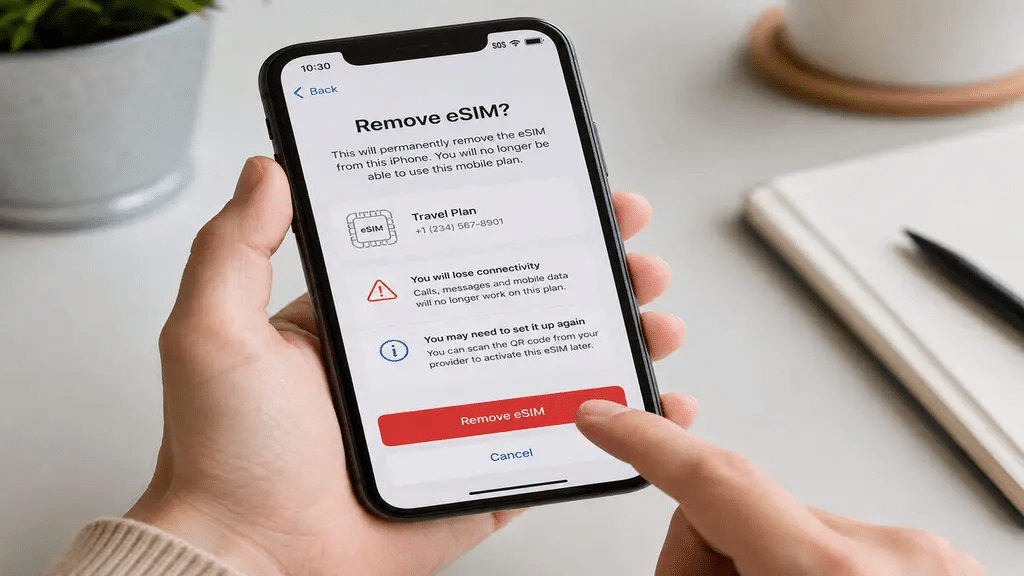
Your Japan trip is over, your flight home is booked, and somewhere in your phone’s settings sits a Japan eSIM profile that you no longer need. The profile may no longer work, yet it still occupies one of your device’s eSIM slots. So, what should you do with it? The delete Japan eSIM question has
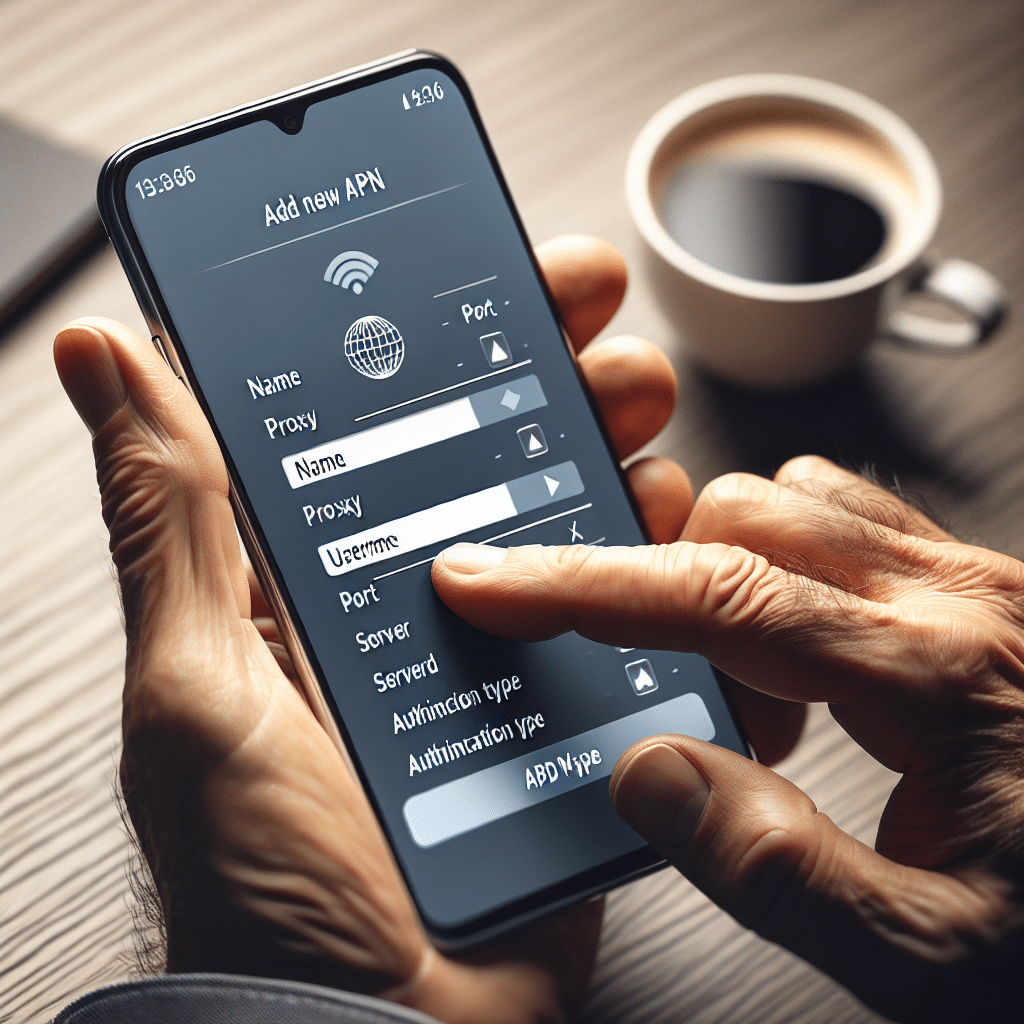
Japan eSIM APN Settings: How to Fix Data Connection Issues
Most Japan eSIM installations configure APN settings automatically. The eSIM profile downloaded during installation includes the carrier configuration your device needs to connect to a Japanese data network. For most travelers, APN settings work quietly in the background and require no attention. Some travelers still experience data connection issues after standard troubleshooting. They may have
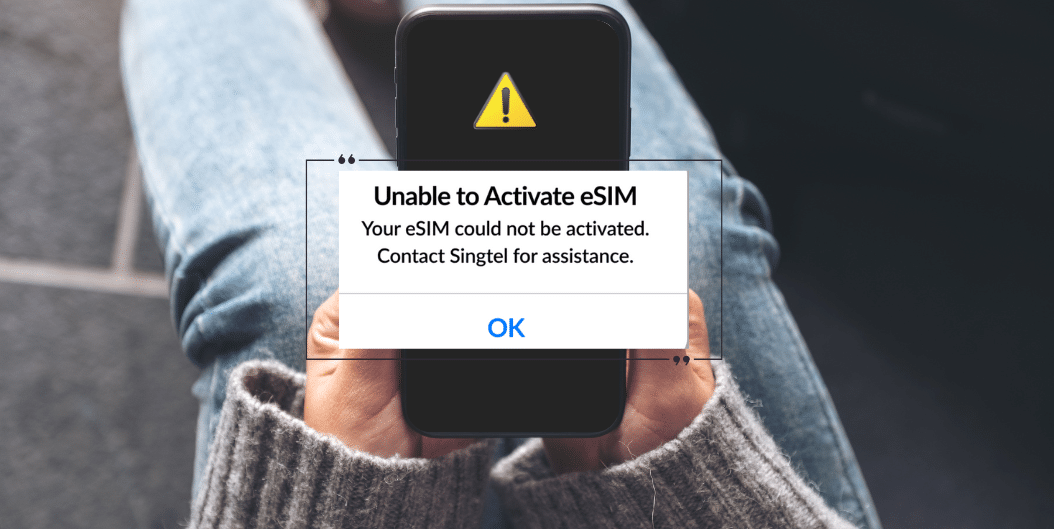
Japan eSIM Not Working? 12 Common Problems and Fixes
Most Japan eSIM installations go smoothly. You scan the QR code, install the profile, and connect after landing in Japan. Most travelers using Japan Sim Data eSIMs never need troubleshooting. However, problems can still happen. In many cases, a small settings mistake causes the issue. Knowing the likely cause can save you from unnecessary stress.

Best Japan eSIM for Honeymooners and Couples’ Trips
Japan has established itself as one of the world’s premier honeymoon destinations — a convergence of extraordinary cultural depth, exceptional hospitality, world-class cuisine, and natural beauty that creates the backdrop for travel memories that last decades. The ryokan stay in a mountain onsen valley, the private kaiseki dinner with seasonal courses that take hours to

Japan Otaku Traveler eSIM: Your Anime and Manga Travel Guide
A trip built around anime, manga, and pop culture runs on connectivity in a way most typical sightseeing itineraries don’t. A reliable Japan otaku traveler eSIM keeps you online for checking store stock before a shop closes, coordinating meetups with fellow fans, live-tweeting a con panel, and uploading photos of the day’s haul before you