
Japan eSIM: The Complete Beginner’s Guide for Travelers in 2026
Why Staying Connected in Japan Matters More Than You Think
Picture this: you’ve just landed at Narita International Airport, your luggage is spinning on the carousel, and you need to pull up your hotel address in Shinjuku. Without mobile data, you’re staring at a blank maps screen in one of the world’s busiest, most navigation-dependent cities.
Japan is extraordinary — but it can also be genuinely disorienting if you arrive offline. Train networks in Tokyo alone carry over 40 lines and hundreds of stations. Google Translate’s camera feature can decode that kanji menu in seconds, but only if you have a connection. Cashless payment apps, ride-hailing services, and real-time transit updates all depend on mobile data.
The good news: getting connected before your feet hit Japanese soil has never been simpler. A Japan eSIM lets you activate a local data plan from home, often in under five minutes, so you land ready to navigate. In this guide, you’ll learn exactly what an eSIM is, how the technology works on Japan’s networks, whether it’s right for you, and how to set one up step by step.
What Is an eSIM? A Plain-English Definition

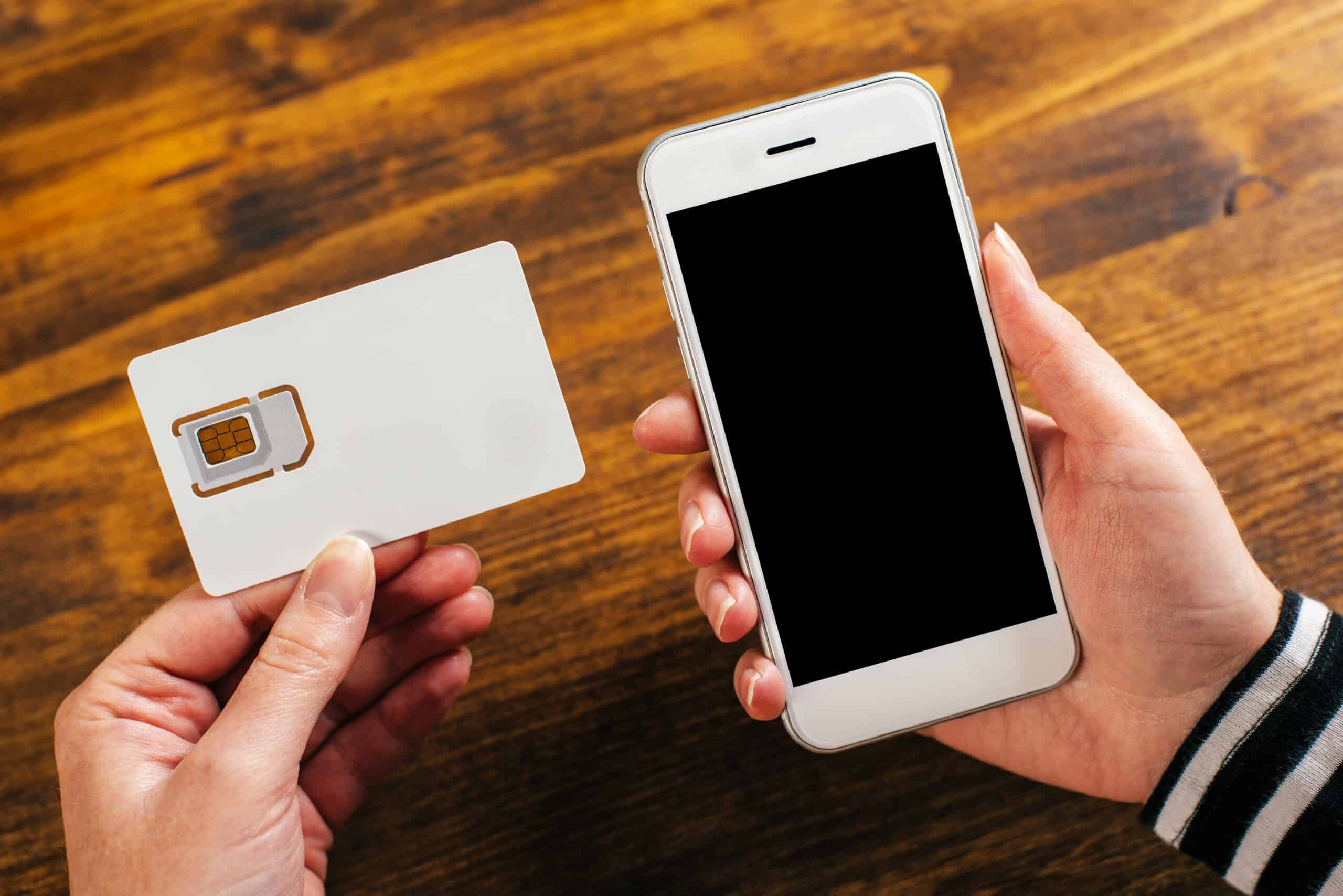
An eSIM — short for embedded SIM — is a small programmable chip built directly into your smartphone, tablet, or smartwatch. Unlike a traditional SIM card, it has no physical tray, no tiny plastic card to keep track of, and nothing to insert or swap.
Think of it like a rewritable SIM slot inside your device. Instead of buying a physical card at a store or airport kiosk, you download a carrier profile over the internet. That profile tells your phone which network to connect to, what plan you’re on, and what number (if any) is assigned.
The “E” in eSIM stands for embedded, not electronic — the chip is soldered onto your phone’s motherboard at the factory. The GSMA, the international body that sets mobile standards, introduced the eSIM specification in 2016, and adoption has accelerated rapidly since then. Today, most flagship smartphones from Apple, Samsung, and Google support eSIM natively.
For a Japan traveler, a digital SIM Japan solution means no post-office queues, no vending machine fumbling, and no risk of losing a tiny plastic card somewhere on the Shinkansen.
How eSIM Technology Works in Japan
Japan has three major mobile carriers: NTT Docomo, SoftBank, and au by KDDI. All three operate extensive 4G LTE and 5G networks that blanket urban centers like Tokyo, Osaka, Kyoto, Hiroshima, and Fukuoka, as well as most popular rural destinations such as Hakone and the Furano lavender fields of Hokkaido.
When you purchase a Japan eSIM plan, you receive a QR code (or, on newer devices, an activation link). Here’s what happens next:
- Your phone scans or taps the QR code — this initiates a secure download of the carrier profile.
- The profile installs silently — no restart required in most cases.
- Your device registers on the Japanese network — the moment you land, your phone handshakes with a Docomo, SoftBank, or KDDI tower and data begins flowing.
The entire process is handled via encrypted eSIM protocols standardized by the GSMA, so your data is just as secure as on any physical SIM. Japan’s networks are consistently ranked among the fastest and most reliable in Asia, making the underlying infrastructure well worth using.
eSIM plans for Japan tourists typically run on one of these major networks — Japan Sim Data offers plans riding on Docomo and SoftBank infrastructure, so you benefit from that national coverage from day one.
Why eSIMs Are Ideal for Travel to Japan
There are several reasons a Japan travel eSIM has become the connectivity method of choice for savvy visitors.
Convenience Before You Even Board the Plane
You can buy and activate your eSIM days before departure. Land at Haneda, switch off airplane mode, and you’re online — no queues at an airport counter, no waiting at a convenience store.
Keep Your Home Number Active
Because eSIM profiles coexist with your physical SIM slot (on dual-SIM devices), you can keep your home SIM active for calls and SMS while your Japan eSIM handles all data. This is useful for two-factor authentication texts, family calls over Wi-Fi, and keeping your regular number reachable.
No Physical Card Risk
Losing a tiny SIM card in a ryokan tatami room is more common than you’d think. An eSIM lives inside your phone — there’s nothing to drop down a Shibuya storm drain.
Faster, Cheaper Setup
Airport SIM kiosks in Japan charge a premium for the convenience. A prepaid eSIM Japan plan purchased online is typically more affordable, and activation takes minutes rather than the 20–30 minutes a physical SIM counter requires.
Environmental Benefit
No plastic packaging, no card waste — a small but real upside for eco-conscious travelers exploring Japan’s pristine natural landscapes.
eSIM vs Physical SIM Card in Japan: Which Should You Choose?
Both options give you local mobile data Japan access, but they suit different traveler types.
| Japan eSIM | Physical SIM Card | |
|---|---|---|
| Setup | Online, before travel | Airport/convenience store in Japan |
| Activation time | 2–10 minutes | 15–30 minutes |
| Keep home number | Yes (dual SIM) | No (replaces your SIM) |
| Risk of loss | None | Possible |
| Device requirement | eSIM-compatible phone | Any unlocked phone |
| Best for | Tech-comfortable travelers | Older device owners |
One scenario where a physical Japan tourist sim card still makes sense: if your phone is older and doesn’t support eSIM, or if you’re visiting Japan with an entry-level Android device locked to your home carrier. In those cases, the physical SIM remains a perfectly solid option — Docomo and SoftBank data-only tourist SIMs are widely available at major airports and electronics stores like Yodobashi Camera.
For everyone else — especially iPhone 14 and newer users, and most Android flagships from 2020 onward — a Japan eSIM is simply the more convenient, equally reliable choice.
Who Should (and Shouldn’t) Use a Japan eSIM

Great Candidates for a Japan eSIM
- First-time visitors who want connectivity sorted before arrival
- Business travelers on tight itineraries who can’t afford airport queue time
- Families and groups — Japan Sim Data’s bulk and group plans let travel agencies or group leaders purchase multiple eSIM plans at once, reducing per-person costs
- Digital nomads working remotely during extended Japan stays
- Repeat visitors who know the drill and want the fastest setup
Think Carefully If You…
- Own a device that doesn’t support eSIM (check your manufacturer’s spec sheet)
- Are using a phone still locked to your home carrier — contact your carrier first to unlock it
- Plan to make local Japanese voice calls frequently (most tourist eSIMs are data-only; voice options exist but require checking plan details)
- Are not comfortable scanning QR codes or adjusting phone settings independently
A quick way to check eSIM compatibility: on iPhone, go to Settings → General → About and look for “Available SIM” or “eSIM” entries. On Android, navigate to Settings → Connections → SIM manager.
How to Get and Activate a Japan eSIM: Step by Step
Getting a Japan mobile data plan via eSIM is straightforward. Here’s the process from start to finish.
Step 1: Check Device Compatibility
Confirm your phone supports eSIM and is carrier-unlocked. Popular compatible models include iPhone XS and later, Samsung Galaxy S20 and later, Google Pixel 3 and later, and most recent Sony Xperia and Motorola flagships.
Step 2: Choose Your Plan
Select a plan based on your travel duration and expected data usage. Light users (maps, messaging) can manage on a 3 GB plan for a short trip; heavy streamers or remote workers should consider 10–20 GB or unlimited options. Japan Sim Data offers Docomo and SoftBank-based plans across a range of data allowances and durations.
Step 3: Purchase and Receive Your QR Code
Complete your purchase online. You’ll receive a QR code by email (or a direct activation link on some newer devices).
Step 4: Install the eSIM Profile
- iPhone: Settings → Cellular → Add eSIM → Use QR Code
- Android (Samsung): Settings → Connections → SIM manager → Add eSIM
- Android (Google Pixel): Settings → Network & internet → SIMs → Add eSIM
Scan the QR code. The profile downloads in seconds.
Step 5: Configure Data Routing
Set your new Japan eSIM as the default for mobile data while keeping your home SIM for calls/SMS. This step varies slightly by device but is typically a one-tap setting in your SIM management menu.
Step 6: Activate in Japan (or Before)
Some plans activate the moment you install the profile; others start on first use in Japan. Check your plan’s terms. Either way, when your plane lands and you toggle off airplane mode, your Japan data connection should kick in automatically.
For official guidance on visiting Japan and staying connected, the Japan National Tourism Organization (JNTO) is a helpful reference for first-time visitors.
Common Myths About Japan eSIMs
A few misconceptions circulate online. Let’s clear them up.
Myth 1: “eSIMs are only for tech experts.” Setting up an eSIM for Japan is genuinely no harder than connecting to a new Wi-Fi network. If you can scan a QR code with your camera app, you can install an eSIM.
Myth 2: “Japan has poor coverage outside Tokyo.” Japan’s major carriers have invested heavily in rural infrastructure. Docomo’s LTE network covers well over 99% of Japan’s populated areas, including remote onsen towns and rural Tohoku. Gaps exist in deep mountain wilderness, but those are the same spots where no mobile signal exists regardless of SIM type.
Myth 3: “eSIM Japan iPhone setups are different from Android.” The underlying process is identical — scan a QR code, download a profile. The menu navigation differs slightly between iOS and Android (see the steps above), but the experience is comparable. An eSIM Japan Android user and an eSIM Japan iPhone user are doing fundamentally the same thing.
Myth 4: “eSIMs are less secure than physical SIMs.” eSIM profiles use GSMA-standardized encryption and can only be downloaded once. A physical SIM can be cloned; an eSIM cannot be physically removed from your device. In many respects, eSIM is the more secure option.
Myth 5: “You need to be online in Japan to activate an eSIM.” You install the profile before you travel, over your home Wi-Fi. By the time you land in Japan, the profile is already in your phone waiting to connect.
Conclusion: Your Japan Adventure Starts With a Connection

Japan rewards preparation, and connectivity is no different. A Japan eSIM gives you the freedom to navigate Tokyo’s labyrinthine subway, translate a ramen shop’s handwritten specials, and video-call home from a bamboo grove in Arashiyama — all without hunting for a SIM card or paying roaming fees.
To recap what you’ve learned: an eSIM is an embedded, reprogrammable chip built into your device. Japan’s Docomo, SoftBank, and KDDI networks provide the world-class infrastructure behind every Japan eSIM plan. Setup takes minutes, costs less than airport alternatives, and lets you keep your home number active simultaneously. And contrary to popular belief, it’s accessible to any traveler with a compatible smartphone — no technical background required.
If you’re planning your Japan trip in 2026, take connectivity off your worry list before you pack. Browse Japan Sim Data’s range of Docomo and SoftBank eSIM plans — from short-stay tourist data options to longer multi-week plans — and arrive in Japan ready to explore from the very first step off the plane.
Frequently Asked Questions
Q1: What is a Japan eSIM and how is it different from a regular SIM card? A: A Japan eSIM is a digital SIM profile downloaded directly to your phone’s built-in chip — no physical card involved. Unlike a regular SIM, you can install it before you leave home, keep your home number active simultaneously, and never risk losing a tiny piece of plastic during your travels.
Q2: Which phones support eSIM for Japan travel? A: Most flagship smartphones released from 2018 onward support eSIM, including iPhone XS and later, Samsung Galaxy S20 and later, Google Pixel 3 and later, and many Sony, Motorola, and Huawei models. To confirm, check Settings → About (iPhone) or your Android SIM manager. Your phone must also be carrier-unlocked.
Q3: Do Japan eSIM plans work outside of Tokyo? A: Yes. Plans running on Docomo or SoftBank infrastructure cover the vast majority of Japan’s populated areas — from Sapporo and Sendai in the north to Fukuoka and Naha (Okinawa) in the south, including popular rural destinations like Hakone, Nikko, and the Japanese Alps.
Q4: Can I make phone calls with a Japan eSIM? A: Most Japan tourist eSIM plans are data-only, which means you use data for VoIP calls via WhatsApp, FaceTime, LINE, or Zoom. If you need a local Japanese phone number for voice calls, check your provider for voice-enabled plans or SIM options.
Q5: When should I activate my Japan eSIM — before or after I arrive? A: Install the eSIM profile before you fly, using your home Wi-Fi. Most plans activate automatically when your device first connects to a Japanese network tower. This way, you’re online the moment you land — no airport setup required.